Your Discord voice companion
Your Discord party
just got a +1.
Newbie joins your voice channel, answers aloud, and hangs out while you play.
Free early access. No API keys or hosting to set up. Pilot limits apply.Shared voice capacity

Illustrative Discord conversation
Voice sample
Meet the voice.
Generated sample. No real Discord session.
Read transcript
Example prompt: “Newbie, what can you do while we play?”
Newbie: “I answer questions in your Discord voice chat, check screenshots, and make images or songs about your party's triumphs. Just say Newbie and ask.”
Answers for the whole party
Ask.
Keep playing.
Say “Hey Newbie,” then ask. She can search and put useful links in chat while you keep playing.
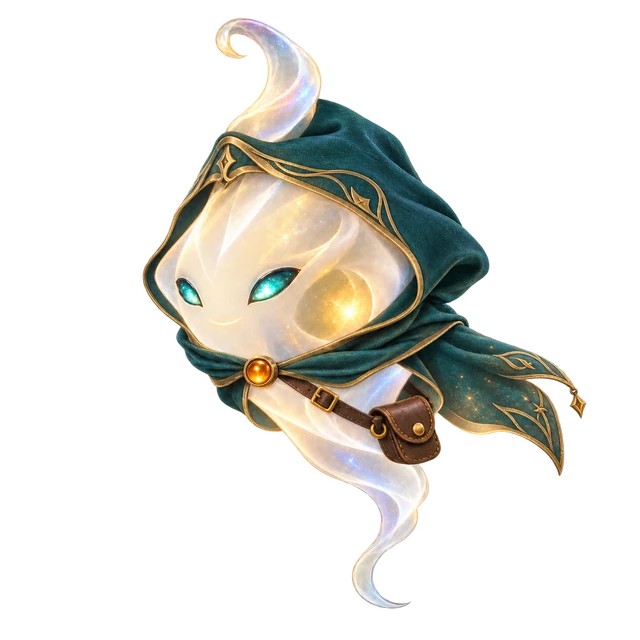
“Newbie, find the recipe and paste the source.”

Found it. I’ll drop the source.
A second pair of eyes
Show her.
She’ll help.
Upload a screenshot with /newbie look. Ask her to remember a note for next time.
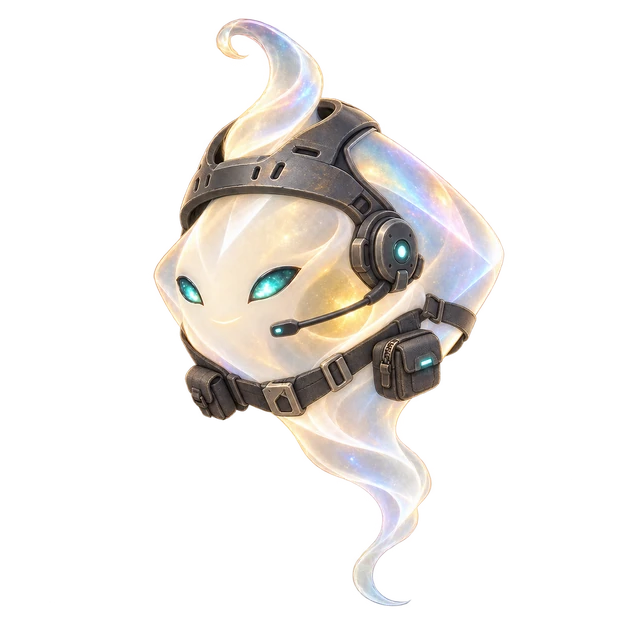
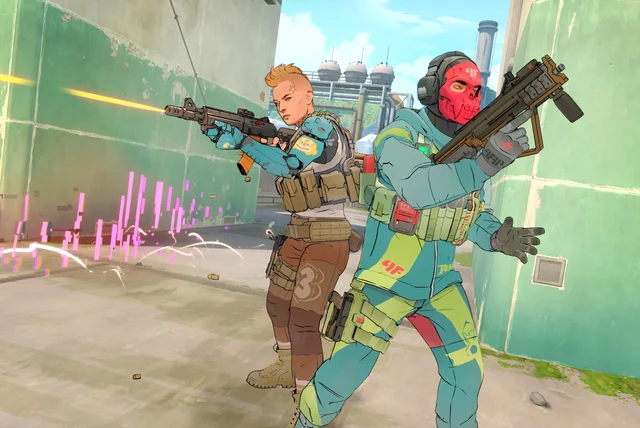
Newbie · in voice“Two characters are covering opposite sides. Watch the opening ahead.”
Made for your group chat
Become Legend
Turn your party’s triumphs into images and songs. She posts them in Discord and plays songs in voice.
A victory portrait. An anthem for the win.
 victory-portrait.png
Privacy comes with the party
Your party.
Your boundaries.
Newbie listens for her name while she’s in voice. Your spoken questions go to OpenAI. She doesn’t save recordings. Automatic game notes and seven-day cloud text history are on by default for questions you ask her. You can turn either off in Discord.
Privacy CenterReady for the next session
Bring Newbie along.
- 1
Add to your server.
- 2
Join a voice channel. Use
/newbie join. - 3
Say “Hey Newbie,” then ask.
Setup is automatic. Newbie runs in the cloud, with separate settings and memory for your server. Free early access has usage and shared-capacity limits. Setup help